
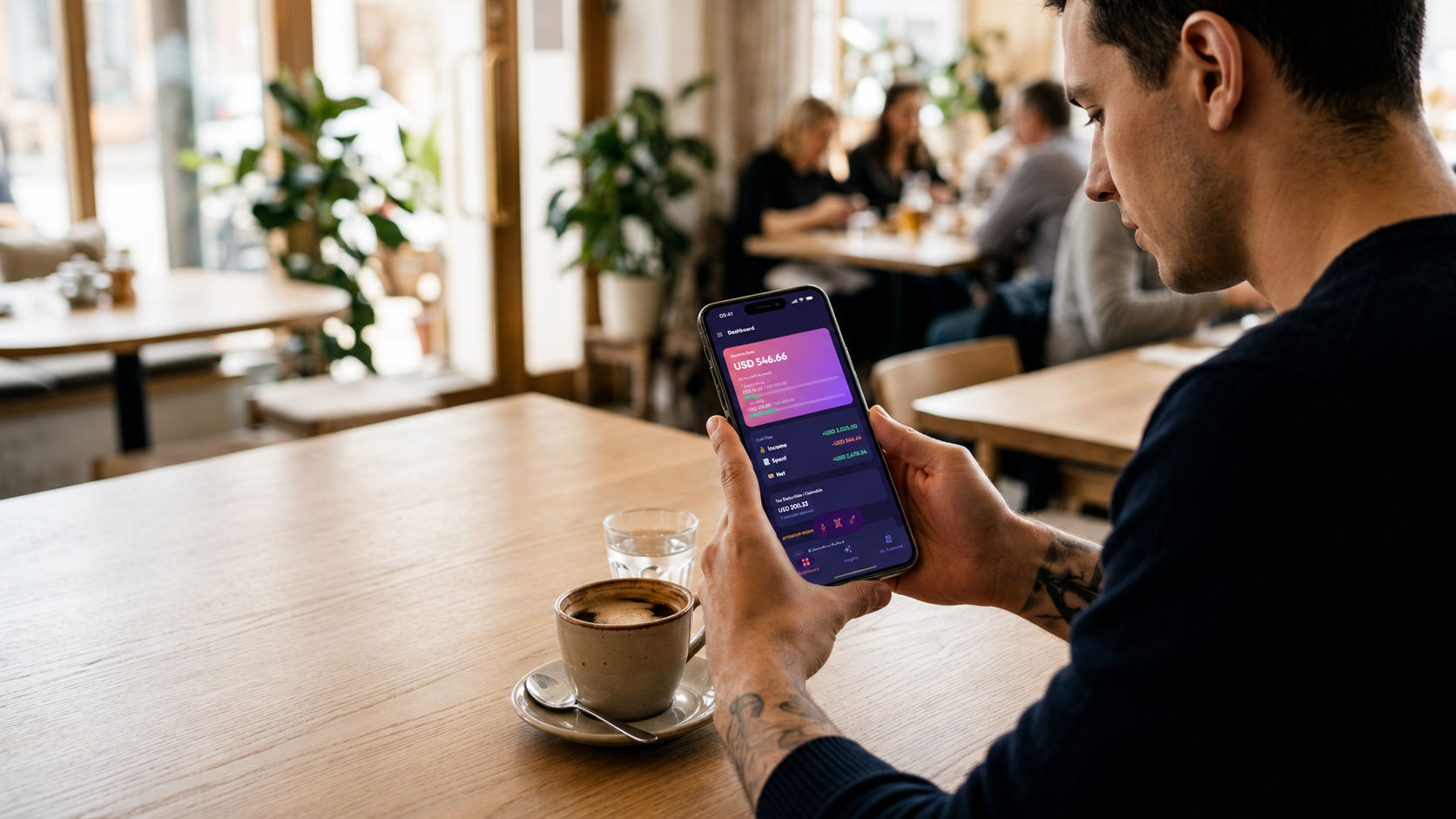
⚡ Instant Receipt Scanner

Best Way to Record
& Track Expenses with Numza

Stop typing numbers manually. Snap a paper receipt or upload a digital bill, and Numza instantly reads merchant names, itemized prices, taxes, and currencies.

Smart Text Shorthand
lunch sandwich 8.50 fries 3.00
Smart Auto-Categorize
🍔
The Corner Café
Food & Dining
-$11.50
1× Grilled Sandwich$8.50
1× French Fries$3.00
Auto-categorized & saved
MALL CAFE & BISTRO
Espresso Roast$4.50
Almond Croissant$3.80
Tax (8%)$0.66
Smart Auto-Categorize
Mall Cafe & Bistro
Food & Dining
-$8.96
1× Espresso Roast$4.50
1× Almond Croissant$3.80
Instant Photo Scan + Line Items Extracted
"Received $2,400 monthly salary deposit"
Smart Auto-Categorize
💰
Monthly Salary
Income · Salary
+$2,400.00
Source: Employer Direct Deposit+$2,400.00
Type: Salary IncomeVerified
Income Detected → Auto-routed to Salary
19Currencies Supported
19App Locales
3-WayInstant Logging Methods
Bank-GradePrivacy & Auto Card Protection
3-Step Simplicity

How to Log Receipts in Seconds

01
📸Snap Receipt

Snap or Upload

Take a photo of any receipt, invoice, or paper slip with your camera or select a digital PDF/image.

02
Auto-Parse
$42.50Coffee Shop

Instant Automatic Scan

Numza automatically reads the merchant, itemized prices, taxes, and currency.

03
🔒Categorized & Saved
☕ Dining✓ Saved

Auto-Categorized & Saved

Expenses are automatically tagged to your budget, credit card numbers are hidden for privacy, and saved instantly.

Deep-Dive Features

Built for Real-Life Expense Tracking

Line Items

Itemized Receipt Breakdown

Numza breaks down complex receipts line by line, so you can track exactly how much you spent on groceries vs household goods.

SUPERMARKET STORE #402
Organic Milk 1L$4.20
Whole Wheat Bread$3.50
Fresh Apples 1kg$5.10
Total Parsed$12.80
Privacy First

Automatic Credit Card Protection

Bank-grade privacy built right in. Sensitive credit card numbers are automatically hidden right on your phone.

🛡️Card Hidden: **** **** **** 4912
Global Travel

Multi-Currency & Tax Extraction

Numza reads receipts in 19+ global currencies (JPY, EUR, USD, GBP, and more), extracts exact tax line items, and tags tax-deductible expenses for easy filing.

¥ JPY$ USD€ EUR£ GBP
Tax & Audit

Instant Search & CSV Export

Need a receipt for tax filing or reimbursement? Search any past receipt by item name or export clean CSV reports with one tap.

📥 Export CSV Report📄 Itemized Expenses
Feature Comparison

Why Numza is the Best Way to Log Expenses

Feature / CapabilityNumza Smart ScannerPaper Receipts & SpreadsheetsTraditional Apps
Logging Speed⚡ Automatic Smart Extraction (snap photo)❌ Manual line-by-line typing❌ Slow dropdown menus
Line-Item Extraction✓ Full automated breakdown❌ None (manual typing)❌ Paid add-on only
Credit Card Masking✓ On-device card protection❌ Visible on paper❌ Unmasked cloud scans
Multi-Currency Receipts✓ 19 Currencies supported❌ Manual calculation required❌ Single currency default
Data Privacy & Security✓ Zero data selling, automatic card masking❌ Lost paper receipts❌ Data sold to advertisers
FAQ

Receipt Scanning FAQs

How accurately does Numza extract receipt line items?
Numza uses smart image scanning to read printed receipts, paper slips, and digital invoices with high accuracy.
Are my scanned receipt images kept private?
Yes. Sensitive data like credit card numbers are masked on-device before sync. Your receipts are stored securely in your private account and are never public, sold, or mined.
Can I scan receipts in foreign currencies while traveling?
Yes! Numza supports 19 major global currencies. Foreign receipts are recorded in their native currency so your travel spending stays accurate.
Can I export my scanned receipt transactions for taxes?
Absolutely. You can export your itemized transaction history to a CSV spreadsheet anytime for accountant review or expense reporting.

Start Saving Smarter Today

Numza is available now on iOS and Android. Free to start, privacy-first, and zero clutter.